
SHUVO777 deposit not in your balance: checking calmly before the match
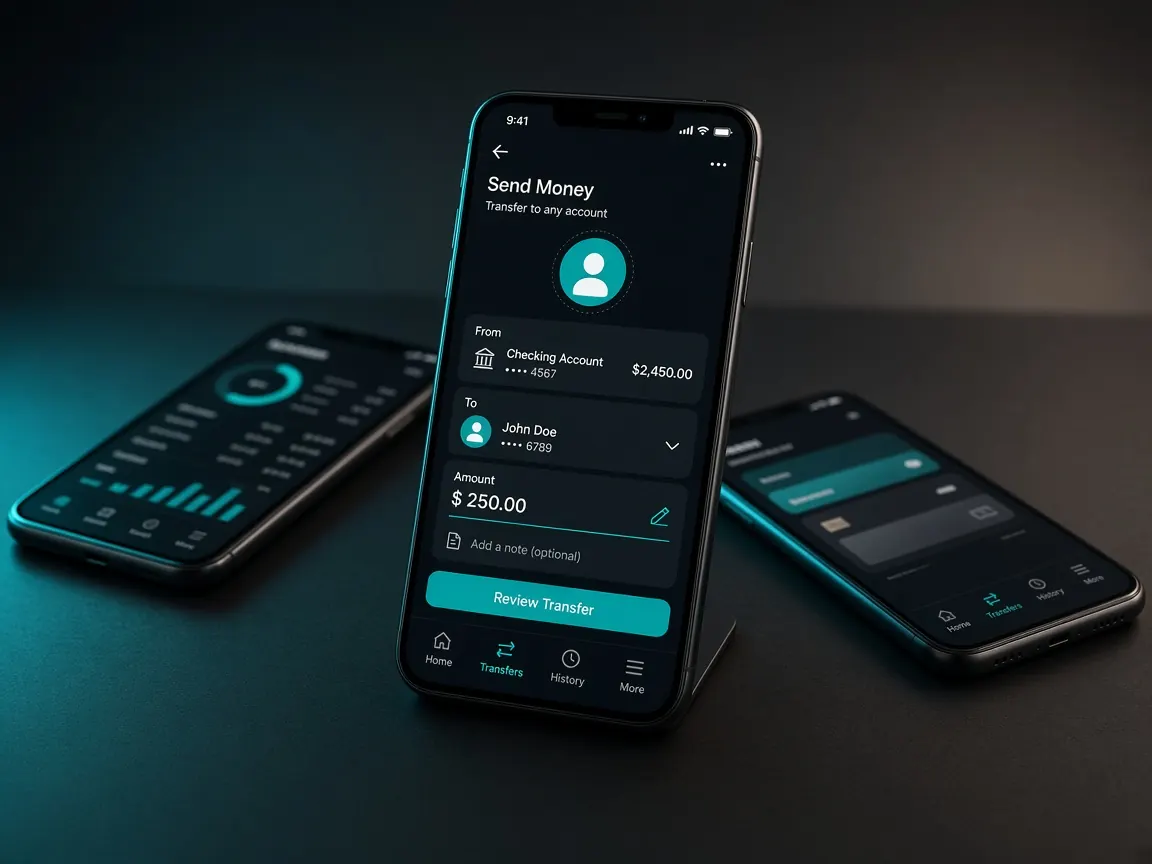
The toss is done, the first over is about to start, and the money you sent is not in your lobby balance. Getting angry is natural. But this is exactly when the biggest mistakes happen: sending the same money again, or trusting an "agent" who turns up in the comments. You can check everything below yourself on your phone. This is an unofficial guide site; no money is collected here and no accounts can be seen.
Money has left my wallet but isn't in my balance. What should I not do first?
- Do not send the same money again. Sending a second payment before you know the status of the first only makes things more complicated.
- Do not contact anyone's personal number. People in Facebook comments, Telegram groups or WhatsApp saying "I'll fix your deposit" are not the lobby's support.
- Do not give anyone your PIN, password or OTP, not even in live chat.
- Do not open a new account. The issue has to be solved on your existing account.
Stop for a minute. Today's match is not the last match ever; if the deposit is stuck, just watch the first few overs. Rushed decisions usually cause far more trouble than waiting, and the receipt in your hand is your strongest evidence.
How can I tell whether the wallet payment actually went through?
- Open the transaction list or statement in whichever app you used: bKash, Nagad or Rocket.
- Check whether the transaction shows as "successful", "failed" or "processing".
- Look for the wallet's confirmation SMS.
- Write down or screenshot the transaction ID (TrxID) and the date and time.
- Check which number you paid, and whether it matches the number or reference the lobby cashier showed you.
If the wallet shows the transaction as failed, or it is not there at all, the problem is on the wallet side; check the wallet app's own help section. Deposit steps for each wallet: bKash guide · Nagad guide.
What should I look for in the lobby's deposit history?
Log in to the official lobby and look for deposit history or transaction records in the cashier, wallet or profile menu. The name may differ slightly. Check:
- Whether your deposit request appears in the list at all.
- What status it shows: pending, completed or cancelled.
- Whether the payment method and amount match your wallet receipt.
If the request is pending, do not keep creating new requests. If nothing is listed, the cashier form may never have been submitted, which is also useful information for live chat. While you are there, check whether any message or notification has appeared next to your balance.
Which mistakes on my side should I check?
Often the problem is something simple. Before going to support, ask yourself:
- Did you pay with the same wallet you chose as the method in the cashier?
- Did the lobby ask you to enter a reference or transaction ID, and did you enter it?
- Did you pay a number from an old screenshot or one someone sent you? Each time, follow what the lobby shows.
- Is the wallet you paid from in your own name?
- If you have more than one account, are you logged in to the right one?
What information makes it easy to explain in live chat?
The live chat or support option inside the lobby is the right place. Put everything in one message:
- Your username or the registered number on the account.
- The payment method (for example bKash or Nagad).
- The transaction ID and the date and time of the transaction.
- The amount as shown on the receipt.
- A screenshot of the wallet's confirmation screen.
While you wait for an answer, do not repeat the same thing in new chats; keep one conversation going. This site cannot say how long it will take. On big match days many people deposit at once, so be patient. More tips on talking to support are in the customer service guide.
Check your deposit history in the official lobby
How do I avoid this before the next match?
Deposit well before play starts, so you have time if something gets stuck. Each time, re-check the number and steps the cashier shows. Keep every deposit receipt in a separate folder. And if a deposit is stuck, do not send extra money to make up for it; today's budget stays what it was. Read the responsible play page for ways to keep to your limits.
The network matters too. If you pay on a weak signal in a stadium crowd, at a tea stall or on a bus, the page can freeze halfway, and then it is hard to know whether the money actually went. If possible, deposit at home on a stable connection. Do not close the app or go back in the middle of a payment; wait until the confirmation screen appears. And confirm everything is fine before you start playing, rather than jumping in without checking your balance.
Deposit not received: questions and answers
Money left my wallet but there is no record in the lobby at all. What now?
Take the transaction ID, the date and time and a screenshot of the receipt to the lobby's live chat. Mention which number you paid. Do not send the money again.
I sent money to the wrong number. Will the lobby refund it?
A payment to anywhere other than the number the lobby showed is not a lobby transaction, so do not expect the lobby to take responsibility for it. Contact your wallet's own help channel straight away.
Someone in the comments says "send me a screenshot, I'll credit it now". Should I?
No. This is a familiar scam. Support is only in the chat inside the lobby, and real support never asks for your PIN or OTP.
I was supposed to get a bonus with my deposit, and that isn't showing either. Why?
If there is an offer such as a 100% first deposit match, its terms apply as shown in the lobby. Sort out the deposit first, then check the offer terms in the lobby or ask in live chat.
While the deposit is pending, should I deposit again with another method?
Better not. Making a new deposit before the first one is resolved makes it hard to match which money went where. Wait until the first transaction is sorted out.
This site is an unofficial guide to SHUVO777, not the official site and not a game server. Deposits, balance and support are only in the official lobby. No times or amounts are guaranteed here. 18+.