
SHUVO777 payments: managing a tournament with bKash, Nagad and Rocket
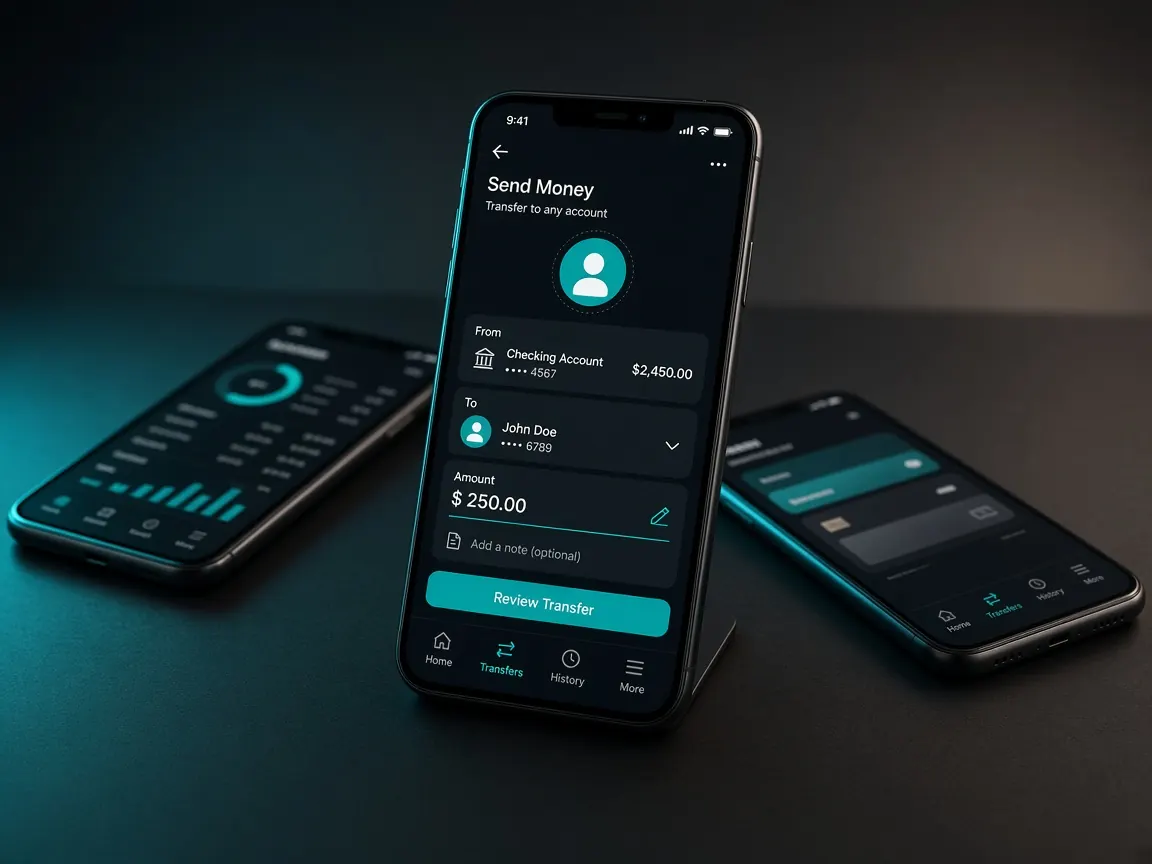
Cricket season means weeks of back-to-back matches. So when it comes to payments, it is better to think about the whole tournament, not one match. This page explains the usual steps to deposit and withdraw with bKash, Nagad and Rocket in the official SHUVO777 lobby, plus safety and how to manage your budget. This is an unofficial guide site; money moves only through the lobby's cashier.
Set your budget before the tournament starts
Before your first deposit, decide the most you will spend over the whole season. It should be an amount that, even if you lose it, will not hurt your family, studies or emergency spending. Then split it by week or by match. If you use it all up in the group stage, you will spend the knockout thrills just feeling regret. Do not make extra deposits to win back money you have lost; this is the most common trap. If you like, keep your playing money separate from your main savings so the two do not mix and your records stay clear.
How to deposit
- Open the official lobby with the button on this page and log in.
- Go to the cashier or deposit option.
- Choose bKash, Nagad or Rocket, whichever the cashier shows and is in your own name.
- Follow only the instructions and wallet details the cashier shows. Do not send money to any personal number you got through chat, comments or a phone call.
- After sending, save the transaction ID (TrxID); if the cashier asks for it, enter it correctly.
- If the money does not show in your balance, do not send the same money again. Tell the lobby's live chat, with your TrxID.
Separate steps for each wallet: bKash guide · Nagad guide · Rocket guide.
The trouble with depositing right before a match
On a big match evening, both the network and wallet services are under pressure. The confirmation SMS for your transfer may come late, and in a hurry you are more likely to type the wrong number or amount. Scammers also pick this time: "The toss is happening, send to this number now". So it is better to get deposits done at a calm time, and ignore any message that pressures you.
Withdrawals in brief
Withdrawing is usually easiest to the same wallet in your own name that you deposited from. Using someone else's bKash or Nagad risks verification problems or your account being blocked. If identity verification is requested, send clear photos. Withdrawals can also be held if the terms of an active bonus are not complete. The full steps and fixes are in the withdrawal guide.
Fees, limits and timing: where to check
Minimum and maximum deposits and withdrawals, whether there are any fees, and how long money takes to arrive all vary by method, offer and verification, and they change over time. That is why this site does not give any numbers. What the official lobby's cashier shows is the current and final information. Do not rely on numbers from a promo banner or a Facebook post.
Mistakes to avoid
- Sending recharge money to the personal number of someone calling themselves an "agent" or "admin". See agent scam warnings.
- Submitting the same TrxID twice, or entering the wrong ID.
- Borrowing a friend's wallet to deposit.
- Buying a recharge from someone after seeing a "payment successful" screenshot. Screenshots like these are easy to fake.
- Telling anyone your wallet PIN or OTP. Real support never asks for these.
- Not reading the bonus terms before depositing. See the bonus guide.
Two common deposit questions
I sent money but it has not reached my balance
First check your wallet SMS or app history to see whether the transaction was successful. If it was, tell the lobby's live chat the TrxID, amount and time. Sending the same money again is not the solution.
Which wallet should I use?
The wallet that is in your own name, that you use regularly and that the cashier shows as active right now is the most convenient one for you. We do not claim any particular method is "faster" or "cheaper", because the terms change over time.
Balance your records at the end of the season
Write down every deposit and withdrawal in a notebook or your phone's notes. At the end of the tournament, check whether you stayed within your budget. If you keep going over your limit, take a break and read the responsible play page.
Go to the lobby to open the cashier
This site is not official. Check fees, limits and withdrawal times only in the official lobby's cashier. 18+ · Set limits and play responsibly.