
SHUVO777 app: the lobby on your phone while you watch the match
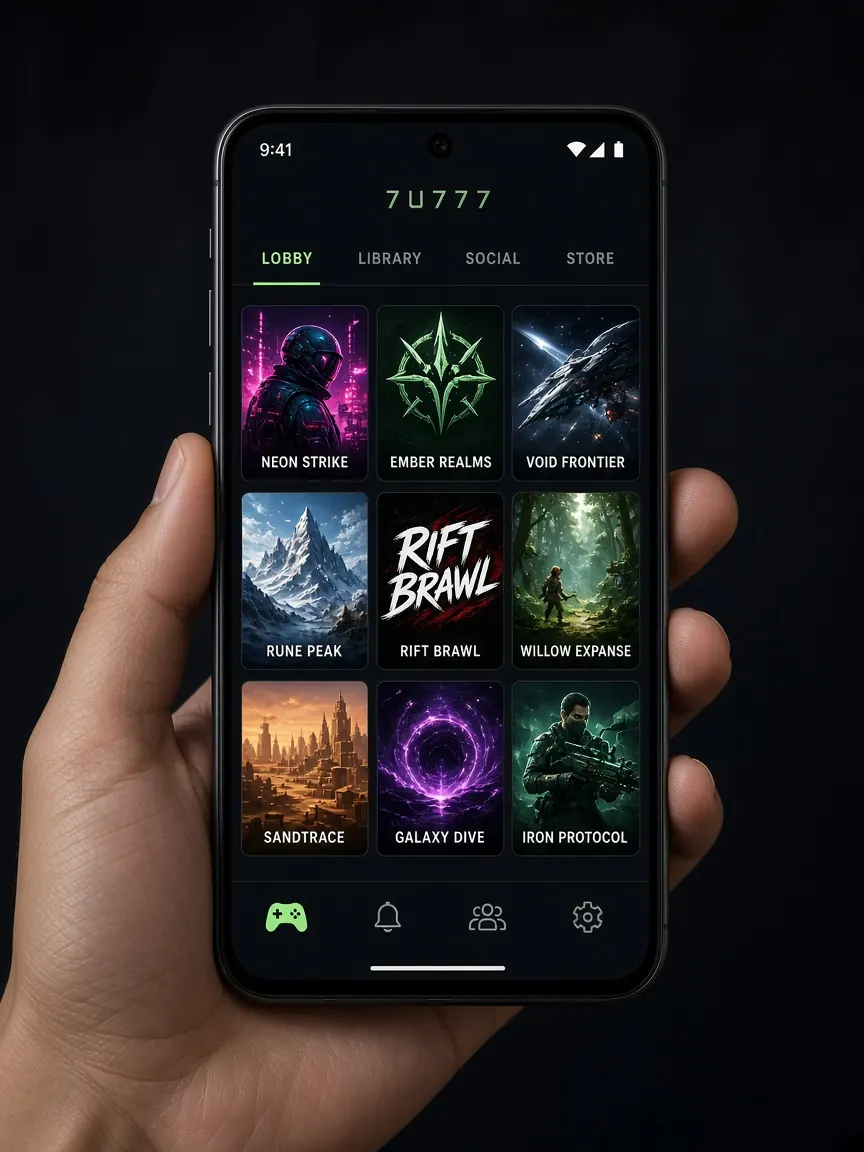
Most cricket fans watch the match on TV or with friends, with a phone in their hand. That is why many people search for the SHUVO777 app. This page shows how to get the app on Android and iOS from the official lobby, how to use the lobby in your browser without any app, and how to keep your phone running smoothly on match day. This is an unofficial guide site; no files are downloaded from here.
App or browser — which one suits you
The app gives you a home screen icon, opens faster and sometimes sends notifications. The browser needs nothing installed and saves phone storage. If your phone is low on space or is an older model, bookmarking the lobby in mobile Chrome or Safari is the easy answer. You log in to the same account either way. In the browser, be careful with the "save password" option — do not save it on a shared or family phone.
How to install the SHUVO777 app on Android
- Open the official lobby with the button on this page and look for the Android or download button there.
- If the file is an APK, your phone may ask for "install from unknown sources" permission. Allow it only for this install, and turn it off again afterwards if you like.
- When the install finishes, open the app from its icon and log in with your own number and password.
- Check that the usual lobby menus — cashier, promotions, cricket section — show up properly inside the app.
Do not download files from Facebook posts, Telegram groups or "mod APK" sites. These files can contain malware or fake login screens that steal your password and wallet details.
SHUVO777 on iPhone (iOS)
If the lobby has an iOS button, follow its instructions step by step. If you are asked to install a profile or give a permission, read what it asks for before you decide. If the button does not work, open the lobby in Safari and use "Add to Home Screen" from the share menu — it looks and feels much like an app.
Get your phone ready for match day
- Charge: Running a stream, the scorecard and the lobby together drains the battery fast. A power bank helps on long ODI or Test days.
- Data: Networks get busy during big matches. If the app or lobby is slow, do not keep refreshing — try switching between Wi-Fi and mobile data.
- Updates: Update the app and your phone software before the tournament starts; an update prompt in the middle of a match is annoying.
- Screen time: You can set an app time limit with your phone's Digital Wellbeing or Screen Time feature — very useful on long Test match days.
- Screen lock: Keep a PIN or fingerprint on your phone so your account stays safe even if the phone gets passed around with friends.
Keep cricket news and the lobby separate
For scores, fixtures and team news you can check our cricket desk. But do not let the excitement of the news push you into spending more on impulse. Stick to the budget you set at the start of the tournament, and take a break when you need one — responsible play.
For more download questions see the download guide, and for login problems see the login guide.
Why can't I find the SHUVO777 app on the Play Store?
Gaming apps like this are often not listed on the store. Treat the download button in the official lobby as the main source, and be careful if you see a different app with the same name on the store.
The app will not open or keeps closing after install
Restart your phone, delete the old version and download it again from the lobby, or use the lobby in your browser for now. A very old Android version can also cause problems.
Do I need a separate account for the app?
No. Usually the account you opened in the lobby is the one you use to log in to the app. There is no need to open a new account.
The app logged me out in the middle of a match
If your network changes or you stay inactive for a long time, the session can end for security reasons. Log in again; if it keeps happening, update the app or tell the lobby's live chat. If someone calls you saying "I'll fix your account" and asks for your OTP, do not give it.
I get too many notifications — can I turn them off?
Yes. You can turn off or limit the app's notifications from your phone settings. This helps cut out needless nudges while you study or work.
See the app button in the lobby
This site is not official and does not host any app files. Download only from the official lobby. 18+ · Play responsibly.