
SHUVO777 login: sign in before the match without the hassle
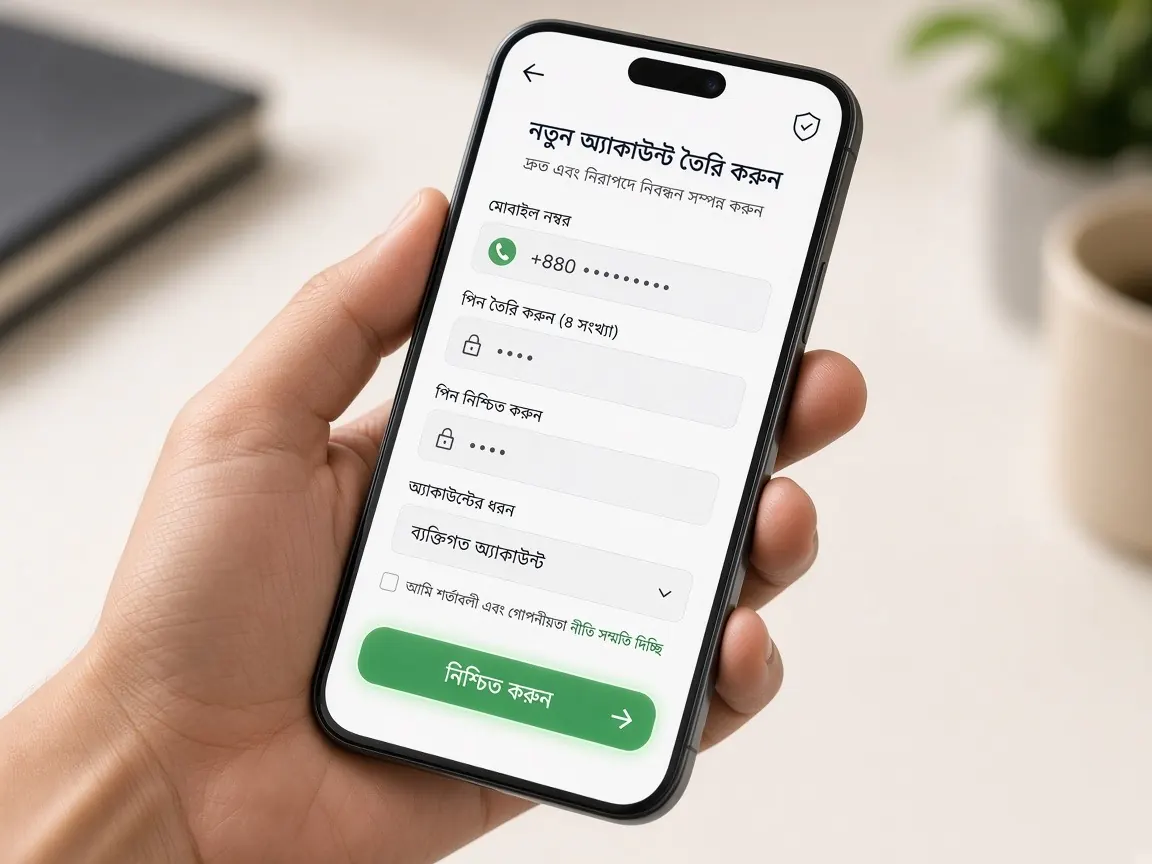
It is frustrating when your login gets stuck ten minutes before the toss. This page shows how to sign in to the official SHUVO777 lobby and how to handle the common problems on big match days. Remember, this is an unofficial guide site. There is no login form here, so never type your password on this site.
How to log in to SHUVO777 on your phone
- Tap the official lobby button on this page. Do not use search ads or links someone sent you.
- When the lobby page loads, choose the login or sign in option.
- Enter exactly the mobile number or username you used when you registered. If you are unsure whether to add a country code or a leading zero, follow the format shown on the form.
- Enter your password. Check that Caps Lock or a Bangla keyboard is not switched on. This is one of the biggest reasons for a "wrong password" error.
- If it asks for an OTP or verification code, type it into the form yourself. Do not tell anyone the code and do not send a screenshot of it.
- If it works, you will see the home screen, your balance and the cashier menu. If anything looks strange, check the browser's address bar again.
Match day habit: log in early
On days like the BPL final, a Bangladesh vs India match or the IPL playoffs, a huge number of people are online at the same time. Mobile data networks get busy, the signal gets weak in crowds at the ground or the tea stall, and OTP SMS can arrive late. So log in once well before the game starts and check that everything works. If there is a problem, you will have time to talk to support, and you are less likely to click the wrong link in a hurry.
During the innings break or a strategic timeout, lots of people open the app at once. If the page is slow at that moment, wait a little instead of refreshing again and again.
What to do if you cannot log in
It says "wrong password"
First, type your number and password again slowly. If it still fails, use the password reset option on the lobby's login screen if there is one. Do not keep guessing. Many platforms temporarily lock an account after several wrong attempts, for security.
The OTP is not arriving
Check that your phone has network, that your SMS inbox is not full, and that you typed the number correctly. Do not keep pressing "resend". Wait a while and press it once. During big matches, it is not unusual for SMS to arrive late.
The page will not load or keeps spinning
Switch from Wi-Fi to mobile data, or the other way round. Clear your browser cache, or try opening the lobby in a different browser. If you use the app, close it and open it again, or check for an update. Details are in the app guide.
Account locked or activity you do not recognise
Contact the live chat or support option inside the lobby and change your password. To learn more about support, see the customer service guide. For official announcements: @BD_SHUVO777. Remember, real support never asks for your password or OTP.
One-time setup before the tournament
A few simple tasks done once will save you trouble all season. First, bookmark the correct lobby address in your browser so you do not have to search for it every time. Second, keep your password somewhere safe that only you can see, not as a screenshot in your phone gallery. Third, make sure the mobile number on your profile is still active; if you change your SIM, the OTP will stop arriving. And if you log in on more than one phone, remember which devices have your account open. If you get into the habit of logging out after playing, nobody can get into your account even if they pick up your phone.
Security you should not forget in the excitement of a match
- Be careful if a login page appears with a "free live match" link in a Facebook group or on Telegram. Read the guide to spotting fake sites first.
- If someone calling themselves an "agent" offers to log in or recharge for you, do not give them your password and do not send money to their personal number.
- If you log in on a friend's or a shared phone, always log out after playing.
- Do not use a password here that you already use on another site.
No account yet? See the register guide. Questions about the real lobby? See the official site guide.
Login questions people often ask
I forgot my password and no longer have the SIM I registered with. What now?
A reset OTP will still go to the old number, so first try to get a replacement SIM for the same number in your name from your operator's customer care. If that is not possible, tell the lobby's live chat and follow whatever verification they ask for. Do not open a new account. More in the support guide.
Can I sign in to the same account on a second or new phone?
Usually yes: sign in through the official lobby with the same number or username and password. The lobby may ask for an OTP on a new device. Before you sell or hand over your old phone, log out there and delete the app. To set up the app on the new phone, see the app guide.
Login works in the app but not in the browser. Why?
The app and the browser use the same account, so the problem is usually on the device side. Check whether the browser is autofilling an old saved password; clear it and type it yourself. Check the address too, because on the wrong domain you are not in the lobby at all. If it still fails, ask the live chat.
What are the signs that a login page is fake?
Be wary if the page asks for your bKash or Nagad PIN along with your login, asks for an OTP you did not request, or rushes you with "log in now or your account will be closed". Only ever enter a wallet PIN in the wallet's own app or dial menu. More signs: fake sites guide and official site guide.
Is it OK to keep "remember password" switched on?
On your own phone with a screen lock, it can be convenient. Never switch it on for a friend's phone, a shop computer or a device your family shares. If you lose your phone, sign in to the lobby from another device straight away, change your password and tell the live chat.
This site is an unofficial guide, not the official site. Login, balance and cashier are only in the official lobby. 18+. Set your own limits and play responsibly.