
Rocket deposits on SHUVO777: slow down for the digits, then enjoy the match
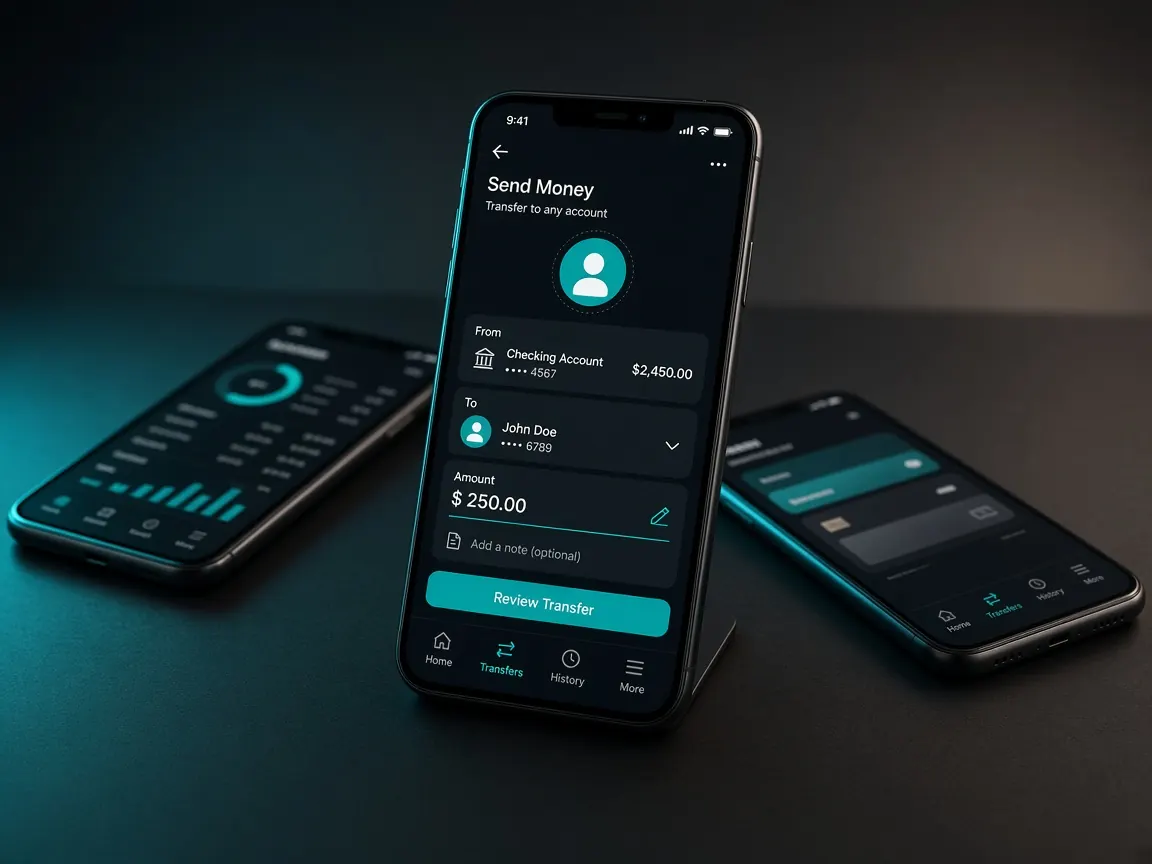
If your salary or tuition money comes through Dutch-Bangla Bank, Rocket is probably the wallet you have to hand. Rocket deposits work the same way as any other method: only through the cashier inside the SHUVO777 lobby, and only from a wallet in your own name. This independent guide covers the steps, the one mistake Rocket users make most often, and what to do when Rocket isn't on the list. No money comes to this site.
Why do Rocket users need an extra check?
A Rocket account number isn't written exactly like a plain mobile number, so it's easy to drop or add a digit when typing in a hurry. On match day, with the toss minutes away, that's exactly when it happens. Before you confirm any payment, compare the account or reference the cashier shows with what you typed, digit by digit. One wrong digit can send money to a stranger, and getting it back depends on processes you don't control.
How do you deposit with Rocket in the cashier?
- Open the SHUVO777 lobby and log in.
- Go to the cashier and choose deposit.
- Select Rocket if it's listed.
- Enter the amount and follow the cashier's steps exactly. Don't change the reference or the recipient yourself.
- Pay from your Rocket app or USSD menu, and keep the success message or screen that shows the transaction ID.
- Return to the lobby and check your balance.
Rocket isn't showing in the cashier today. What should you do?
The cashier decides which methods are open on a given day. If Rocket isn't there, don't let someone outside the lobby "route" the payment for you. That gap is exactly what scammers wait for. Your choices are to check again later, or use another wallet in your own name if the cashier lists it: bKash or Nagad. The payments overview compares the three.
Paid, but the balance hasn't moved
- First check your Rocket transaction history to confirm the money actually left.
- Don't repeat the payment while you wait.
- Open the lobby's live chat with the transaction ID, the time you paid and a screenshot. See the support guide for a message format.
- If you realise you sent to a wrong number, tell your bank's official Rocket support quickly as well.
Warnings during the game
- A personal Rocket number from an "agent" in a group chat: don't send. More in the agent scam warning.
- Requests for your Rocket PIN or OTP: real support never asks.
- Telegram accounts using the brand name: the announcement channel @BD_SHUVO777 isn't live yet, so be suspicious of anything claiming to be it.
- "Pay through me for an extra bonus": offers exist only on the lobby's promo page.
After the match: withdrawing to Rocket
Withdrawal is a separate request in the cashier, with its own checks. It's usually simplest to withdraw to the same Rocket account you deposited from, as long as it's in your name. Before the season starts, make sure your lobby profile name matches your Rocket account name, so a winning night doesn't end with a stuck request. The full steps are in the withdrawal guide.
Can I use a family member's Rocket account?
It's better not to. Name mismatches are a common reason withdrawals and verification get held up.
Is there a fee for Rocket deposits?
Any lobby-side fee or limit is shown in the cashier. Your bank's own Rocket charges are set by the bank.
Can I deposit with Rocket during the innings break?
You can, but a calm deposit before the toss leaves time to sort out any delay before you need the balance.
This is an independent guide, not a game server or the official SHUVO777 site. Login, balance and the cashier are only in the lobby. 18+ only. See responsible play.