
Forgot your SHUVO777 password: get back in before the first ball
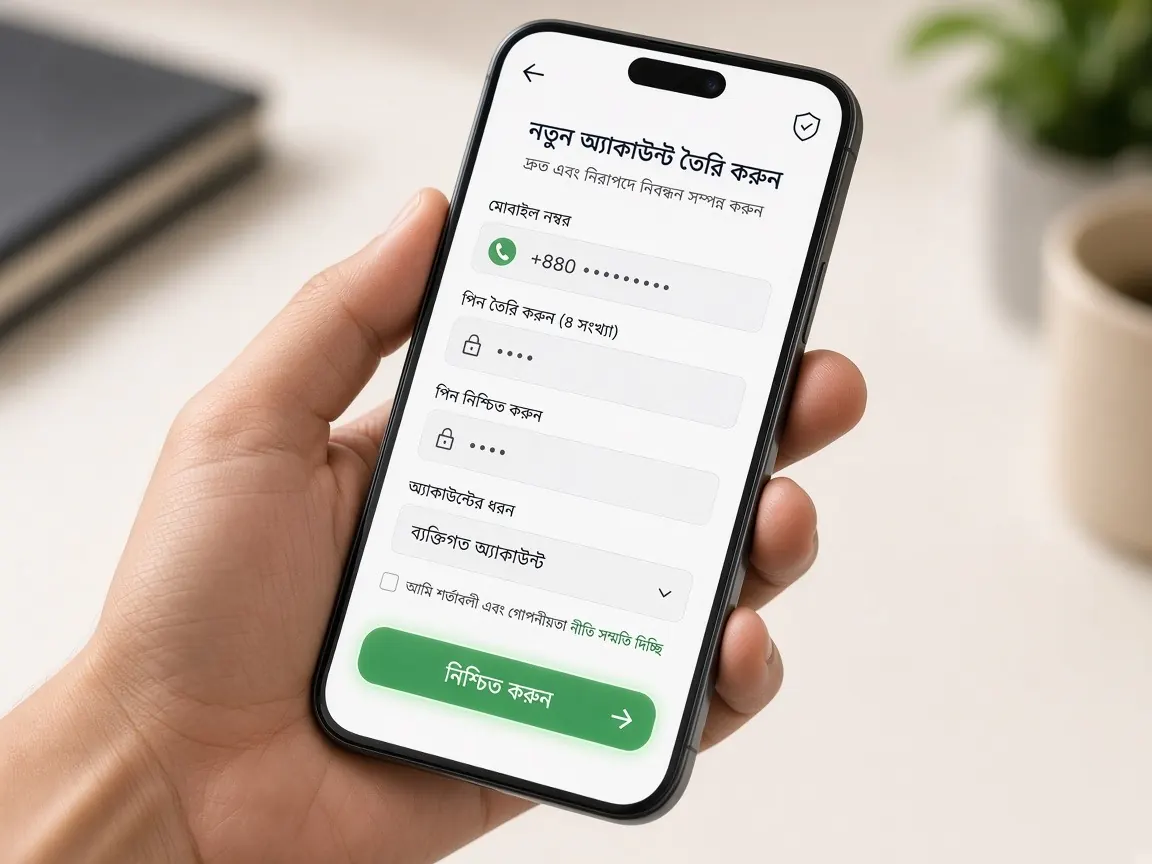
You haven't watched a match for a month, then suddenly the Tigers' series starts, and when you try to enter the lobby you realise you can't remember your password. It happens to a lot of people. The good news is that in most cases you can get back into your account yourself in a few steps. This page is an unofficial guide; there is no login or reset form here, so never type your password or OTP anywhere on this site. Everything happens only in the official SHUVO777 lobby.
What should you have ready before you start the reset?
Rushing a reset just before the toss is when mistakes happen. Take two minutes to get these ready first:
- Work out exactly which mobile number or username you used when you registered, and write it down.
- Check that the SIM for that number is active in your phone and that SMS messages are arriving.
- Make sure your network or data is working. If the signal is weak in a crowded ground or tea stall, move somewhere more open.
- Roughly remember when you last deposited and which wallet you used. This can help if you need to go to support.
Do not keep guessing old passwords over and over. Many platforms temporarily lock an account after repeated wrong attempts for security, and then the problem gets bigger.
Think about timing too. On a big match evening lots of people enter the lobby at once, SMS can arrive late and support is busier. If you are unsure about your password, log in once on the afternoon of the match or even the day before. That way, if something gets stuck you have time to sort it out calmly, and you won't be tempted to click a stranger's link out of fear of missing the first over.
How do you reset your password in the official lobby?
- Open the official lobby with the button on this page, not through a search ad or a link someone sent you.
- On the login screen, look for "Forgot password" or a similar option. Whatever the lobby calls it, tap that.
- Enter your registered mobile number or username, in exactly the format the form shows.
- If the lobby sends an OTP or verification code, enter it into the form yourself. Do not tell anyone the code and do not send a screenshot of it.
- Enter a new password and type it again to confirm.
- Log in with the new password and check that your balance, profile and history look right.
Lobby screens can change over time. If they don't match the steps here, follow what the lobby shows, and ask live chat if anything is unclear. The normal sign-in steps are in the login guide.
The OTP isn't arriving: what should you check?
This is the most common place a reset gets stuck. Check these one by one:
- Did you type the number correctly? One wrong digit and the code goes somewhere else.
- See whether your SMS inbox is full, and whether the code landed in spam or blocked messages.
- Switch the phone to airplane mode and back again so it reconnects to the network.
- Don't keep pressing "Resend". Wait a little and press it once; late SMS on a big match night is not unusual.
If the code still doesn't come, stop retrying and go to the lobby's live chat.
What if you've lost the SIM you registered with?
The reset code usually goes to the number on your profile. So if the SIM is lost or damaged, the first step is to try to get a replacement SIM for the same number in your name from your operator's customer care. Once you have the number back, you can reset the normal way.
If that isn't possible, explain the situation in the lobby's live chat and follow whatever identity check they ask for. Don't open a new account in the meantime: one person holding several accounts can cause complications later with withdrawals or verification. To learn about profile verification, see the account verification guide.
What should you tell live chat, and what should you never share?
Clear information means a shorter conversation. In chat, give:
- Your registered number or username.
- The problem: you forgot the password, the OTP isn't arriving, or you no longer have the SIM.
- What you've already tried, plus a picture of any error message on screen.
Never share your old or new password, an OTP, or your bKash, Nagad or Rocket PIN. Real support does not ask for these. If someone on Facebook, Telegram or WhatsApp offers to "recover your password", that is an old fraud trick; details in the fake site guide. More about support is in the customer service guide.
How do you keep the account safe after the reset?
Once you're back in, build a few habits so the rest of the tournament goes smoothly. Choose a new password you haven't used on any other site, and nothing easy to guess like a favourite player's name or shirt number. Don't store the password as a screenshot in your phone gallery. If you log in on a friend's phone or a shared device, always log out when the match is over.
After the reset, look through the history page once. If you see any unfamiliar transaction or bet, tell live chat straight away. And remember, the relief of getting back in makes it easy to suddenly play more than planned, so set your match budget in advance. There are some suggestions on the responsible play page.
Common questions about password resets
I can't find the reset option on the login screen. What do I do?
If you use the app, update it or open the lobby in a browser instead; the option sometimes looks different in each place. If you still can't find it, tell the lobby's live chat and follow the route they give you.
Will resetting delete my balance or history?
Changing the password only changes the key you use to get in. The account stays the same. After the reset, log in and check your balance and history, and tell support if anything looks wrong.
I don't remember my username either. Now what?
If there is a reset option using your registered mobile number, try that. Otherwise ask for help in live chat with your number and rough details of your last deposit. Don't keep typing one guessed username after another.
My phone was stolen while I was logged in. What should I do?
Log in to the lobby from another device as soon as possible, change the password and report it in live chat. Also ask your operator to block the SIM so nobody can receive OTPs on your number.
Reset your password in the official lobby
This site is only an unofficial guide, not official and not a game server. Login, password reset and balance are only in the official lobby. 18+.